FBA Returns: The Metric Nobody Measures
Reimbursements vs. Returns: Get the Terminology Right
You've probably used the word "Amazon Return" a thousand times:
- A customer returns an item.
- You process a return.
- Amazon charges you a return fee.
But here's the thing: that word is mis-used and abused.
When a customer is not happy with your product, he asks Amazon for their money back. He's asking for a reimbursement he is not asking for a return. And for the sake of clarity, let's call this a customer reimbursement so that you can't confuse it with seller reimbursements.
Why does this matter? Because the word you use shapes how you think about the problem!
"Your income will never exceed your vocabulary."
Jim Rohn
Now that the concepts are clear, let's see the consequences...

Customer Reimbursements = FBA Returns. FALSE
Three scenarios are possible after a customer requests a Customer Reimbursement.
Scenario 1: Returnless Refund. The customer gets their money back and keeps the product. The item never comes back to you. This decision entirely depends on Amazon algorithm.
Scenario 2: The customer is required to return the item — but doesn't. The customer has 30 days to ship it back. For electronics, this drops to 15 days. If there is no FBA Return, you are entitled to Seller Reimbursement.
Scenario 3: The customer actually returns the item. The FBA Return box enters Amazon's reverse logistics. This happens 80% of the times.
This is the only scenario where you have a chance of recovering something. And this is where it gets interesting.
Inside Amazon's Evaluation Process
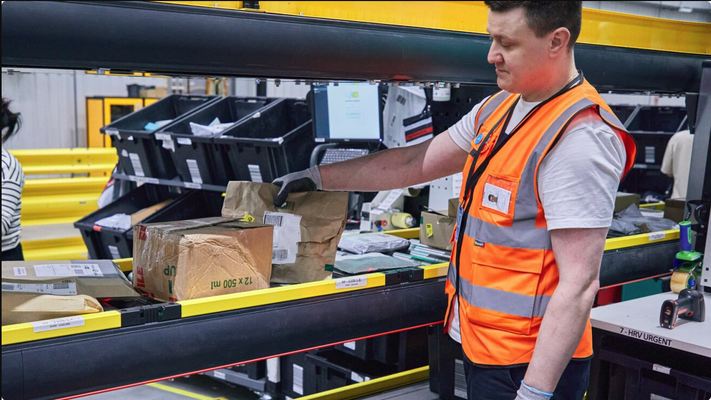
When the item arrives at the warehouse, Amazon evaluates it and makes a single binary decision:
- Is this item sellable?
- Or is this item unsellable?
That's it. Two outcomes. But as you're about to see, those two outcomes have completely different financial consequences especially when you remember that:
"Nobody cares more about your money than you do."
Dave Ramsey
With all the complexity that Amazon has to deal with, evaluating correctly your FBA Returns is not their TOP 1 priority.
So every single day, without you doing anything, Amazon is sorting your returns into two piles.
The question is: do you know what's in each pile?

The Metric Nobody Measures
Let's make this concrete.
Imagine you had 100 FBA Returns entering Amazon in the last year. Amazon evaluated every single one. The split came back like this:
- 50 items: SELLABLE ✅
- 50 items: UNSELLABLE ❌
What does that mean for your business?
For both groups, you already lost the sale proceeds. That money is gone the moment the customer requests a reimbursement. That part is equal across both piles.
But here's where the two scenarios completely diverge.
The 50 sellable units go straight back into your active inventory. They are ready to be sold again. Your capital is still alive, waiting to generate revenue again.
The 50 unsellable units are a different story. You lost the sale proceeds and you are now at serious risk of losing the capital invested in those units.
Depending on what you sell, that capital can be significant. The variance across FBA seller accounts is enormous:
- Some accounts see up to 60% of returns come back as sellable.
- Other accounts see as little as 5% sellable recovery. Nearly every return becomes a potential capital loss.
Have you ever measured where you sit on that spectrum? Most sellers haven't.
The bigger your fraction of unsellable returns, the more urgent it is to take action. Because those units don't fix themselves.
Put Your Real Numbers to the Problem
Understanding the concept is one thing. Seeing your own number is another.
You have two options here

The Hard Way
Use Excel or Google Sheet and follow those steps:
Step 1: Volume
How many units did Amazon classify as unsellable in the last 12 months? Pull this number from your Seller Central report named "FBA Customer Returns".
Step 2: Value
Now multiply. But by what? There are two options:
- Multiply by your selling price — what you would have earned if that unit sold normally
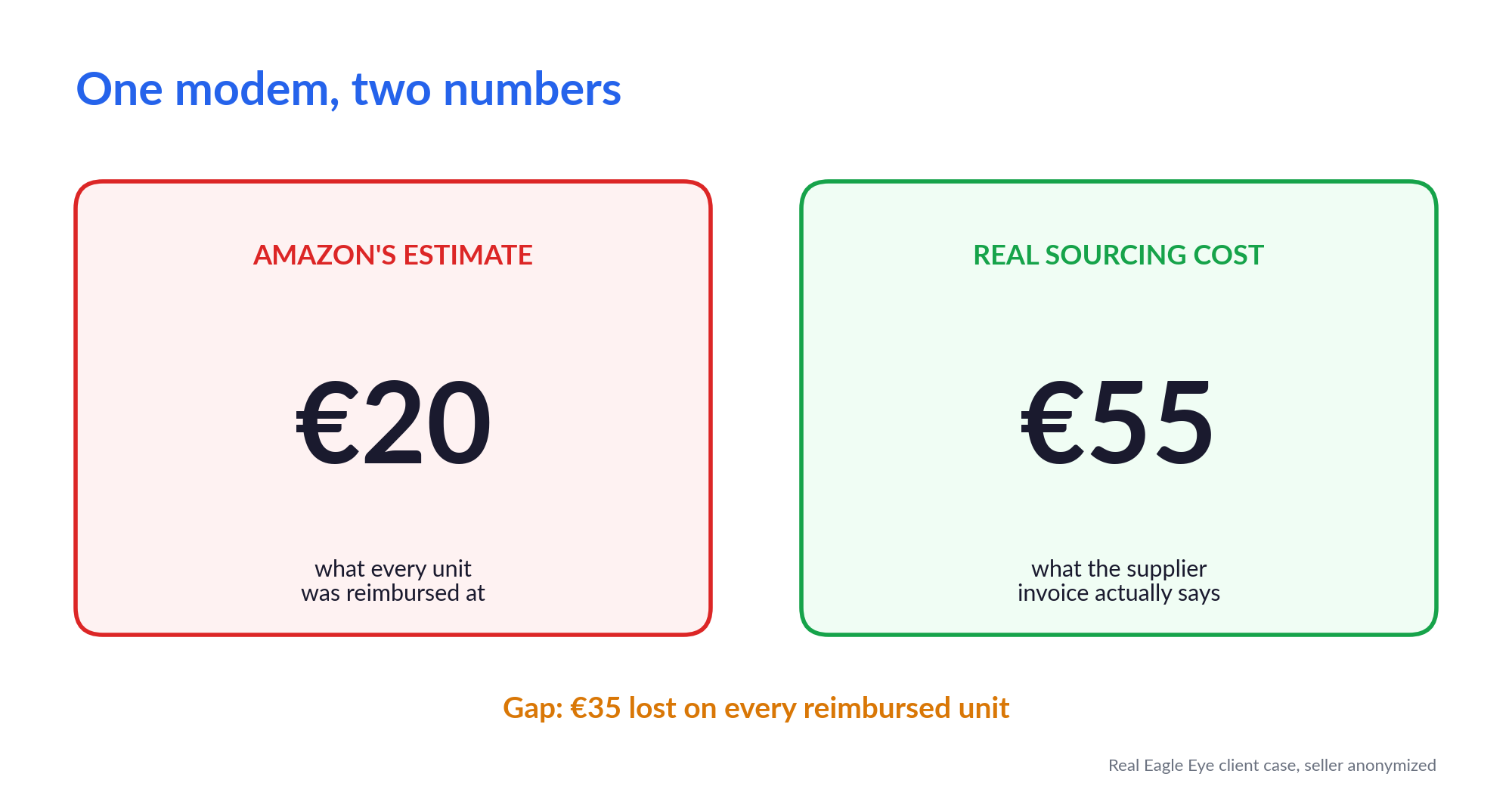
- Multiply by your sourcing cost — what you actually paid to acquire that unit
The Smart Way
I built a simpler approach. A focused audit to answer:
"How much money are my FBA Returns hiding? How much of my capital is at risk because it is Unsellable?"
No spreadsheets. No manual work. No guessing.
Get your numbers in 2 minutes:
Closing — See Your Number in Minutes
You just read the theory. Now it's time to make it real.
Remember, this isn't lost revenue you can replace with more sales. This is capital. Money already spent. Already gone unless you act.
The question isn't whether this is a problem. For most FBA sellers running returns at any volume, it is. The question is: how big is your number?
About Me

I help professional Amazon sellers uncover hidden losses in returns and removals. Founder of #1 Italy FBA reimbursement service.
Subscribe to the newsletter to get practical FBA optimization insights and audits.
Further Reading: