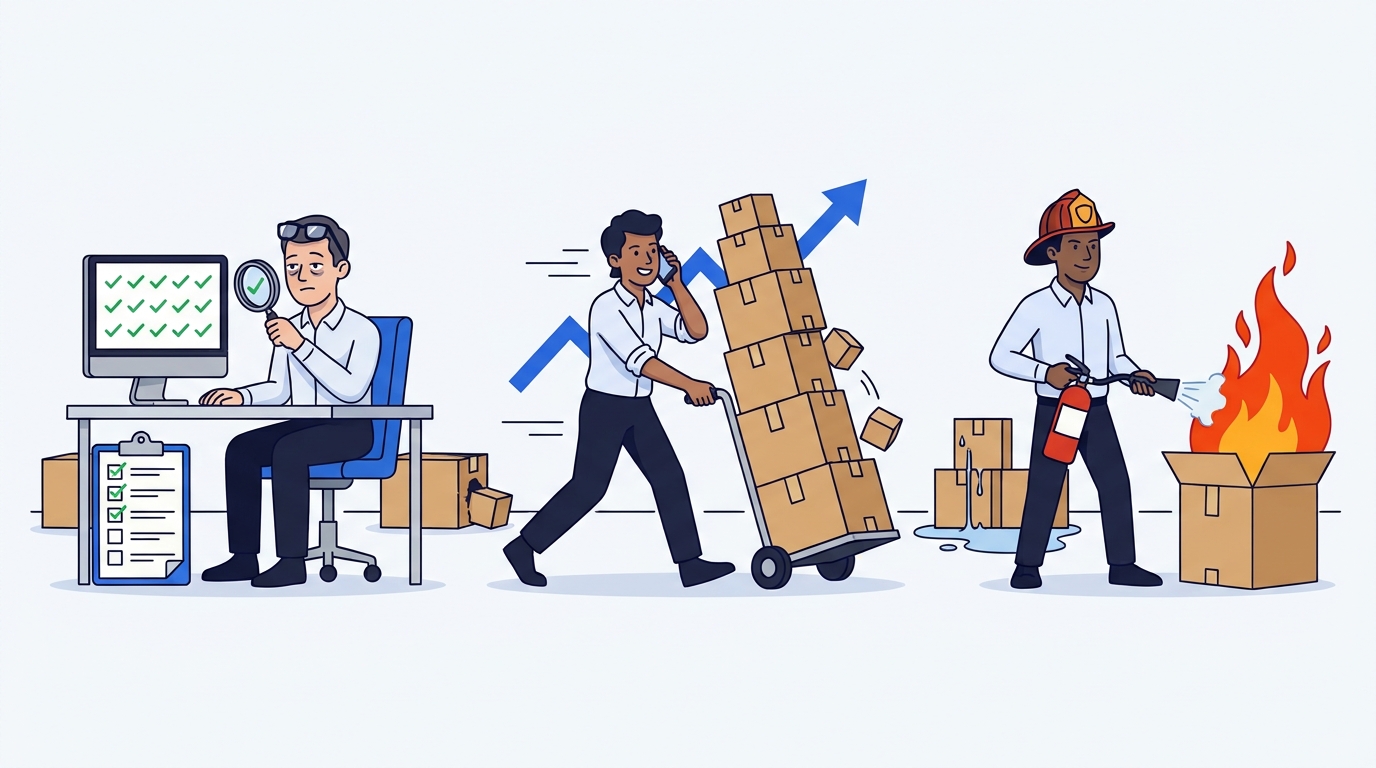
The Amazon FBA Reimbursement Process: The COMPLETE Guide!
Fulfilled by Amazon (FBA) has made it possible for millions of sellers worldwide to sell products on Amazon's global marketplaces with ease, and we're grateful for it!
However, even a logistics giant like Amazon makes mistakes, and this is where Amazon FBA reimbursements come into play.
The most experienced sellers understand the importance of having an FBA review process to ensure they receive all the Amazon reimbursements they're entitled to.
In this article, we'll cover some of the most common types of Amazon FBA Reimbursements and provide you with some tips on how to maximize your reimbursement opportunities.
What Are Amazon FBA Reimbursements?
Amazon FBA reimbursements are financial compensations issued by Amazon to correct discrepancies that occur in the FBA system.
What does this mean in practice?
Sellers who use Amazon Logistics services (FBA) allow Amazon to handle various logistics functions for them, including storage, shipping, and returns.
However, if errors occur that lead to problems such as damaged inventory or overcharged fees, sellers can be compensated with actual reimbursements.
We can also put it this way: in any situation where it's demonstrable that Amazon has made an error, you're entitled to a Reimbursement.
If you find a discrepancy for which Amazon has not yet reimbursed you, you'll need to file a claim and open a case with Support to request a reimbursement.
Important is the word "yet": it's necessary to monitor all error activity and related reimbursements daily to ensure maximization of FBA Reimbursements.
What Types of Amazon FBA Reimbursements Exist?
There are many types of Reimbursements that can arise for sellers using FBA.
We'll now examine the most common types of Amazon reimbursements for which it's necessary to file a request after performing a proper FBA review (or auditing) of your account: overcharged fees, inventory reconciliation, lost inventory and damaged inventory.
Amazon might automatically handle - when they detect them - FBA reimbursements for some issues. However, many errors are not automatically reimbursed by Amazon, since remember that responsibility always lies with the seller: they must reconcile and inform Amazon, once discovered.
Amazon FBA Overcharged Fees Reimbursement
Amazon charges fees for all the services it provides on FBA, but sometimes errors occur and sellers end up being overcharged.
Here are some concrete examples of overcharged fees that can occur on your seller account:
-
Storage fees: Amazon charges storage fees based on the amount of space your inventory occupies in their fulfillment centers. If there are errors in calculating storage fees - such as incorrect measurements, calculation errors or incorrect classification of the product as oversized - this can result in overcharges.
-
Order handling and weight fees: Amazon applies weight handling fees for picking and packing products for shipping. Situations may occur where you're overcharged for handling due to incorrect weight and dimension measurements.
-
Removal and disposal fees: Amazon charges fees for removing or disposing of inventory. Errors can also occur here, such as overcharges or charges for products that weren't actually removed or disposed of.
There are several cases where Amazon moves your merchandise to States where you're not selling or - worse yet - where you can't keep physical merchandise without a tax position (e.g. Germany). Even for these errors you have the right to request the movement of merchandise and related Reimbursements of logistics expenses you had to bear.
Amazon FBA Inventory Reconciliation Reimbursement
Inventory reconciliation generally refers to the process of comparing physical inventory with the theoretical inventory of an ASIN you should have.
It's therefore a comparison between the number of products sellers should have in stock versus the actual number of items present in their Amazon store.
For example, if your data in Amazon indicates you should have 100 units in stock for a certain SKU in your store, but only 90 are visible in your available inventory, this could mean you're entitled to an inventory reconciliation reimbursement.
This could indicate that your inventory has been lost or damaged (which will be covered in more detail below), or that a return or refund from a customer wasn't processed correctly. Let's see them in detail:
-
Loss at the distribution center - something was lost at an Amazon distribution center - or in a movement between different distribution centers - and their system didn't detect it correctly.
-
Discrepancies in quantity in transit or received - If you send a certain quantity of inventory, sometimes it might not be entered correctly into the system due to an error in the process or handling of your shipment. Almost 40% of reimbursements come from errors in inbound shipments, and the error can happen before, during or after the loading phase.
-
Customer return issues - when Amazon receives a return on your behalf, it should replace the item if it's still in sellable condition or notify you if it's been damaged. Sometimes errors occur during this process, which we'll see in detail in the following paragraph.
Amazon can freely move your merchandise within different Logistics Centers. It's therefore up to you as a seller to verify that you don't have damages from such movements!
Amazon FBA Damaged Inventory Reimbursement
There are several ways your products can be damaged while under Amazon Logistics control.
If it's an error directly attributable to Amazon, it might automatically issue a reimbursement for some damaged items. However, as before, many damaged items go unnoticed. Let's see the different damages together:
-
Internal warehouse damage - Items being moved in Amazon's warehouse can fall, be crushed, or damaged in other ways when handled by Amazon workers. In these cases, Amazon is ALWAYS responsible for providing you with a reimbursement for damaged inventory.
-
Transport damage - Inventory can be damaged during transport from Amazon's warehouse to the customer. Recovery for these types of damages can vary depending on how the product was packaged and received, but Amazon will assume responsibility whenever it's clear it was under its supervision.
-
Customer return damage - in the IT sector it's possible to successfully recover this type of reimbursement. If for example a phone with a broken screen came back to you from the customer, and this is demonstrable, it's possible to immediately request a reimbursement from Amazon.
For reimbursements on damaged merchandise it's always good to have photographic evidence of the item or customer reviews, as well as knowing how to request a Reimbursement in these circumstances.
What Are Amazon's Reimbursement Guidelines for FBA?
Amazon has a very specific policy for requesting FBA Reimbursements that follow:
- Eligibility logic: is the ASIN eligible for reimbursement?
- How to file a reimbursement request: do you have a successful framework for writing to Amazon support and getting a Reimbursement?
- Process by which reimbursements are verified: is Amazon's error demonstrable?
How the Reimbursement Value Is Calculated
To request your FBA reimbursements, it's important to first go through a real account auditing process and verify all errors made by Amazon as well as all reimbursement opportunities.
The best strategy to optimize FBA Reimbursements is to perform constant auditing. Sellers must regularly and daily compare for each product the relative stock quantities, returns, damaged units, as well as charged expenses versus expected ones. But how burdensome can it be? Shouldn't a seller dedicate themselves to more strategic activities?
Subsequently it's necessary to adopt a very specific framework to open your Cases to Amazon and obtain FBA Reimbursements, armed with a lot of patience with Support, which often - if you don't adopt a right strategy compliant with Policies - denies the Reimbursement.
So how to do it?
Fortunately, there's another option.
Eagle Eye has been on the Italian market for over a year as a leading solution capable of analyzing and monitoring seller accounts, identifying and especially successfully requesting discrepancies that are eligible for FBA Reimbursements.
Thanks to an experienced Team, with Eagle Eye we'll completely manage the auditing of your Account for you thanks to the power of Eagle Eye data, and we'll take full charge of requesting all your FBA Reimbursements - so you don't have to lift a finger anymore!
It's estimated that sellers on Amazon FBA could lose 1% to 3% of their potential annual revenue due to FBA discrepancies and errors, and our solution can help you recover the maximum level of available reimbursements.
How Long Does the Reimbursement Process Take?
The time varies based on the complexity of the case.
Some reimbursement requests are processed very quickly once received, while others might require additional research or follow-ups, and last several weeks - or even months! - to be resolved, especially if you don't have a known and successful framework!
When a reimbursement is approved, it can take 1 to 5 days for Amazon to add the reimbursement amount to your Balance on Seller Central. This step must also be monitored, observing reimbursement IDs daily.
Should I Consider Signing Up for an Amazon FBA Auditing Service?
It's highly recommended for sellers to perform auditing and obtain all the FBA Reimbursements they can.
You have two options to do this:
-
The first is to proceed independently, using for example the StartUp and Enterprise plans of Eagle Eye to detect the FBA Reimbursements you're entitled to and then proceed on your own to open your Cases.
-
The second is to completely delegate the entire process to our Team. This activity can in fact be very burdensome for different Sellers, when you should instead focus on more important activities. Moreover - relying on an expert Team like ours - helps sellers obtain the maximum reimbursement they're entitled to with minimum effort. The icing on the cake? Eagle Eye, managed by our Team, is remunerated only if you actually receive your FBA Reimbursements! And trust us, we always get them all for you ;)